
B5 Paper Size: ISO B5 and JIS B5 Are Different
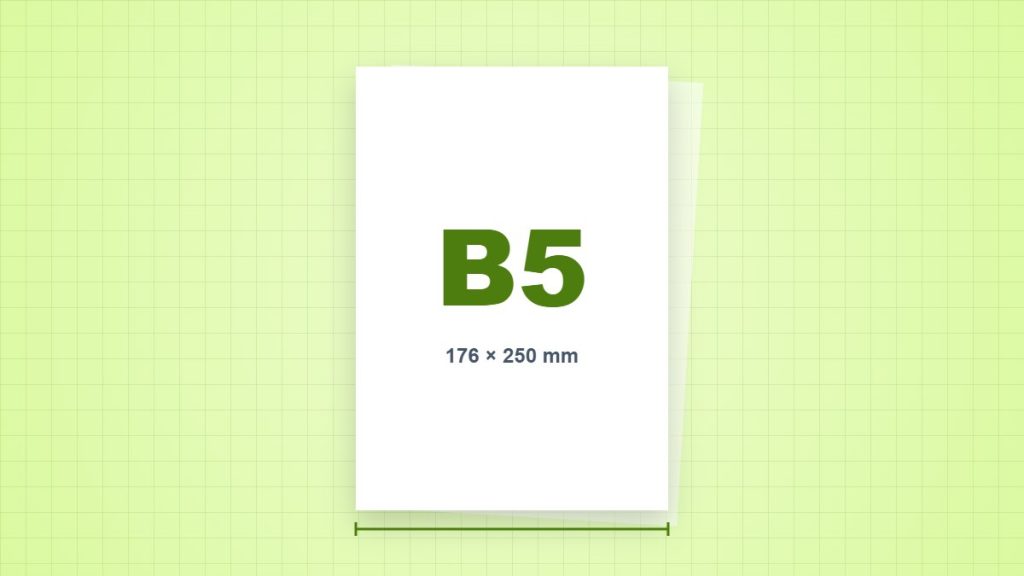
Check which B5 standard a product uses before creating a notebook insert. ISO B5 is 176 × 250 mm. JIS B5 is larger at 182 × 257 mm, and some printer drivers offer both.
| Measurement | Portrait dimensions |
|---|---|
| Millimetres | 176 × 250 mm |
| Centimetres | 17.6 × 25 cm |
| Inches, calculated | 6.9291 × 9.8425 in |
| PDF points, calculated | 498.898 × 708.661 pt |
Why a JIS template does not simply become ISO B5
To fit a 182 × 257 mm JIS page on a 176 × 250 mm ISO sheet, compare both ratios: 176 ÷ 182 = 96.70% and 250 ÷ 257 = 97.28%. Width limits a uniform full-sheet fit to 96.70%. Its resulting height is about 248.53 mm. This leaves vertical space before any printer margin is allowed.
What can change when you print
Read the millimetre measurements on the notebook, refill and driver, rather than trusting the letters B5 alone. If the driver lacks the needed size, check the printer manual for supported custom dimensions. Never force a sheet through an unsupported tray just because software accepts its measurements.
Set up one sample first
- Create or inspect the PDF at the intended millimetre dimensions. Landscape swaps width and height; it does not change the paper size.
- Load matching paper, choose the correct tray and paper type, then check the application and driver settings.
- Use Actual Size for measured layouts. Use Fit only when an intentional reduction or enlargement is acceptable.
- Print one sample and measure a known reference before printing or cutting the remaining copies.
Does this paper have a pixel size?
Paper has physical dimensions. At a chosen 300 pixels per inch, a raster image covering this portrait sheet would be approximately 2,079 × 2,953 pixels. That is a calculation at one chosen resolution, not a fixed property of B5 (ISO) or a guarantee of print quality. Vector text and lines work differently.
Sources and method
- ISO 216:2007: the scope of the ISO A and B series. Nominal millimetre dimensions are used; rounded inch values do not redefine the sheet.
- NIST: SI units of length: the exact conversion of one inch to 25.4 millimetres. Inch and point values below are calculated from the stated nominal dimensions.
- Adobe Acrobat: adjust page size for printing: Actual Size, Fit and the difference between the page and the printable area.
- Ricoh: paper specifications: an example of a printer specification listing JIS B5 as 182 × 257 mm; support depends on the model.