
A3 Paper Size: Dimensions, Print Setup and A4 Alternatives
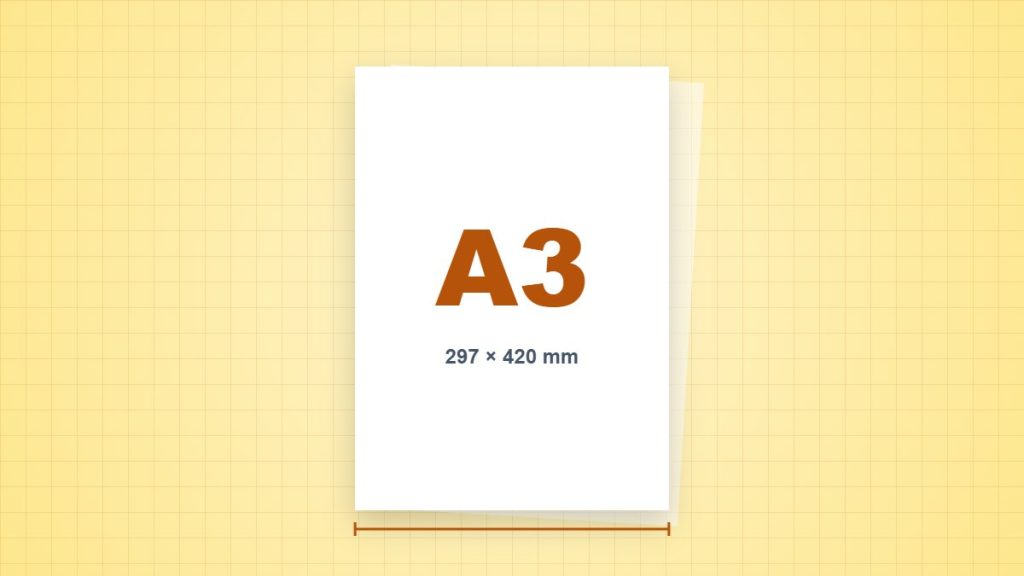
A3 gives a drawing or planning sheet more room than A4, but the printer must support the larger sheet. Selecting A3 in a PDF does not make an A4-only printer accept it.
| Measurement | Portrait dimensions |
|---|---|
| Millimetres | 297 × 420 mm |
| Centimetres | 29.7 × 42 cm |
| Inches, calculated | 11.6929 × 16.5354 in |
| PDF points, calculated | 841.890 × 1190.551 pt |
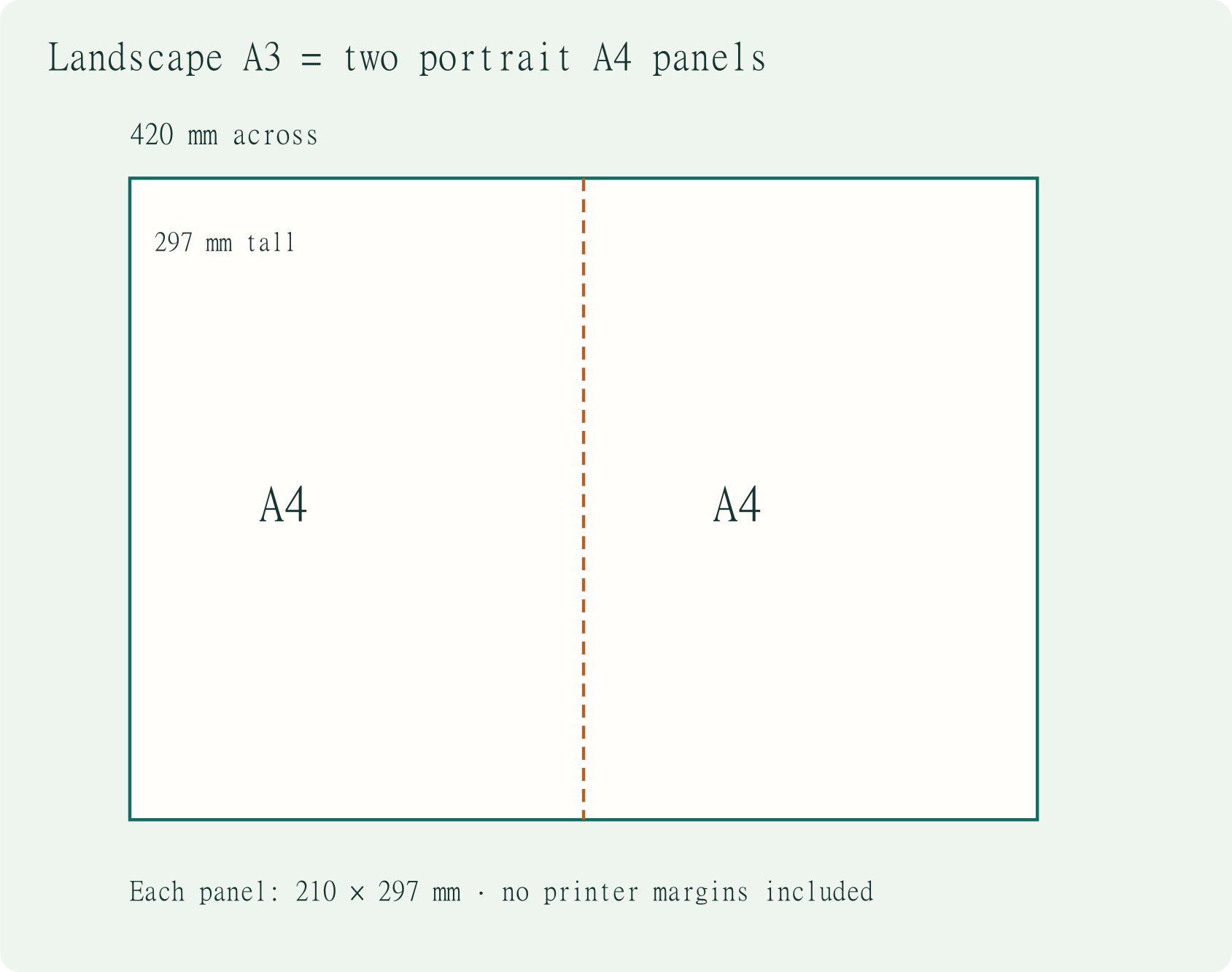
Plan a landscape worksheet
Turn the sheet to 420 × 297 mm. With a 15 mm inset on every side, the content box is 390 × 267 mm. Three 120 mm columns use 360 mm; two 10 mm gaps use another 20 mm. The 380 mm total fits, leaving 10 mm inside that content box. These are layout allowances, not a promise about your printer’s margins.
What can change when you print
An A3 page reduced to A4 fits at approximately 70.71% before printer margins. A 10 mm square becomes about 7.07 mm. For a dimensioned plan, use the original sheet size or tiled printing rather than measuring a reduced copy.
Set up one sample first
- Create or inspect the PDF at the intended millimetre dimensions. Landscape swaps width and height; it does not change the paper size.
- Load matching paper, choose the correct tray and paper type, then check the application and driver settings.
- Use Actual Size for measured layouts. Use Fit only when an intentional reduction or enlargement is acceptable.
- Print one sample and measure a known reference before printing or cutting the remaining copies.
Does this paper have a pixel size?
Paper has physical dimensions. At a chosen 300 pixels per inch, a raster image covering this portrait sheet would be approximately 3,508 × 4,961 pixels. That is a calculation at one chosen resolution, not a fixed property of A3 or a guarantee of print quality. Vector text and lines work differently.
Sources and method
- ISO 216:2007: the scope of the ISO A and B series. Nominal millimetre dimensions are used; rounded inch values do not redefine the sheet.
- NIST: SI units of length: the exact conversion of one inch to 25.4 millimetres. Inch and point values below are calculated from the stated nominal dimensions.
- Adobe Acrobat: adjust page size for printing: Actual Size, Fit and the difference between the page and the printable area.