
Printer Test Page PDF: Text, Color and Scale References
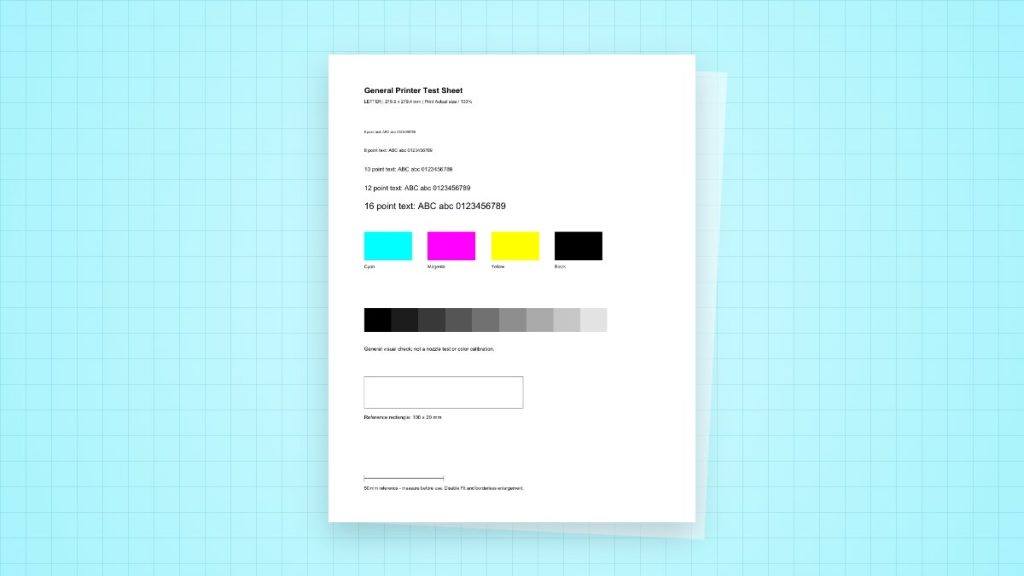
Use this free PDF to compare text, colour patches, grey steps and a measured reference on one sheet. It can reveal a visible problem in a normal print job. It does not identify a failed part, replace your printer’s nozzle check or calibrate colour.
Download the matching paper size
Choose A4 for 210 × 297 mm stock or US Letter for 8.5 × 11 inch stock. The files are separate one-page layouts, so you do not need to shrink one format onto the other. No account is required.
What the sheet contains
| Reference | Useful observation | Limit |
|---|---|---|
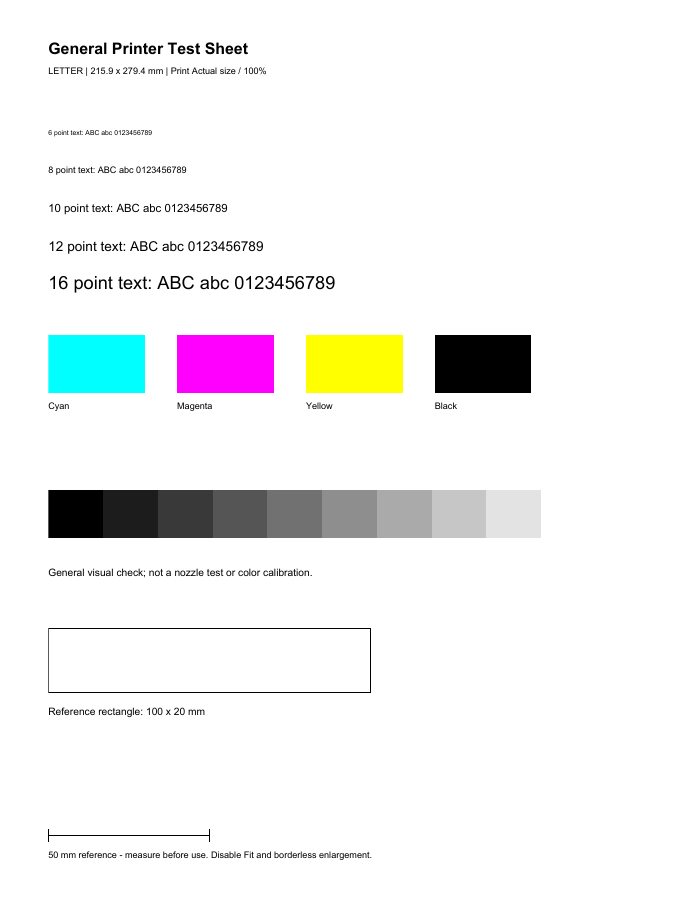
| Text at 6, 8, 10, 12 and 16 points | Compare small characters with larger text for blur, gaps or doubling. | Small text alone cannot identify the faulty component. |
| Cyan, magenta, yellow and black patches | Look for missing colour, streaks or uneven coverage. | These RGB-defined patches pass through colour management; they do not isolate individual ink channels. |
| Ten grey steps | Compare neighbouring tones and any colour cast. The lightest step is white and may blend into the sheet. | This is not a measured colour target or an ICC profile. |
| 100 × 20 mm rectangle and 50 mm line | Measure scale and compare horizontal and vertical dimensions. | A short reference indicates an output discrepancy, not its cause. |
Make a useful first print
- Load paper matching the downloaded PDF and select that size in the application and driver.
- Choose Actual Size or 100%. Disable Fit, Shrink and borderless enlargement when checking dimensions.
- Use a normal quality setting and the correct media type. Print one copy.
- Let an inkjet sheet dry according to the paper guidance. Compare it under consistent, neutral lighting.
- Record the date, printer, driver, paper type and settings on the back. Change one setting at a time for subsequent comparisons.
Worked example: the reference measures 47 mm
A 47 mm output from a 50 mm reference is 47 ÷ 50 × 100 = 94% scale. First compare the PDF size with the loaded sheet, then inspect application and driver scaling. Reprint with matching paper at Actual Size. Do not run printhead cleaning to solve a geometric scaling problem.
Separate the print path from the printer
If this PDF looks poor, print the manufacturer’s internal diagnostic or nozzle-check page as well. A defect on both outputs points toward the printer, media or supplies. A clean internal report with a poor PDF print points toward the application, driver, colour settings or source content. Neither observation is a complete diagnosis.
For gaps or missing colours on a manufacturer’s diagnostic pattern, follow that model’s maintenance instructions. Inkjet and laser maintenance are different. Do not repeatedly clean, shake cartridges or touch drums based only on this generic sheet.
Digital checks of these downloads
On November 2, 2026, we downloaded both published files, parsed their single-page dimensions, checked the 50 mm reference and 100 × 20 mm rectangle in their vector geometry, and inspected rendered previews. These were file checks, not physical printer tests or a certification of print accuracy.
Sources
- Adobe PDF page sizing explains Actual Size and Fit.
- HP’s print-quality diagnostic guidance illustrates how supported models use an internal report to guide maintenance. Use the instructions for your own model.