
How to Print 4 × 6 Photos at the Intended Size
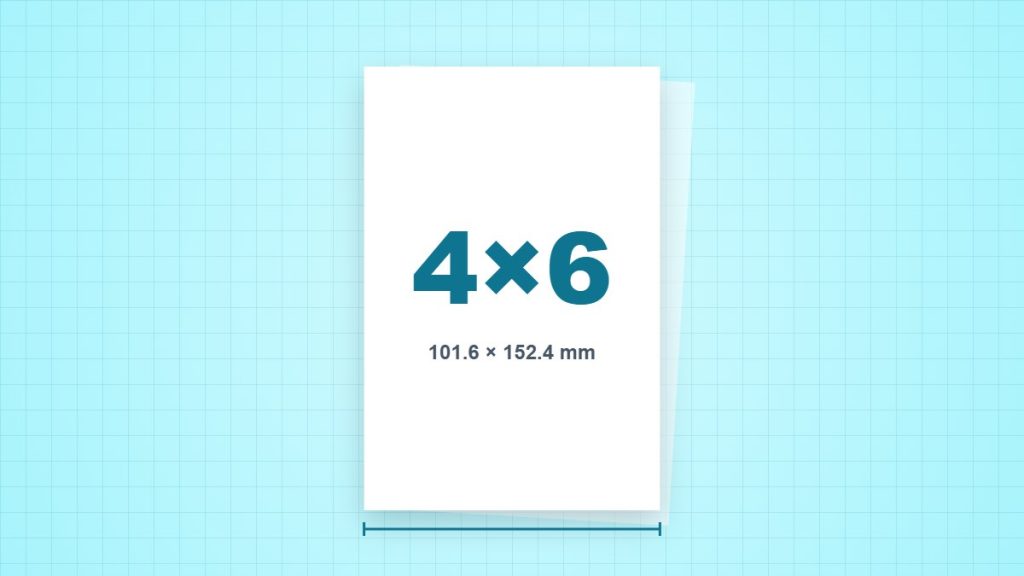
An exact 4 × 6 inch photo is 101.6 × 152.4 mm and has a 2:3 aspect ratio. A packet marked 10 × 15 cm can instead be 100 × 150 mm. Select the dimensions the packet and printer driver actually use.
Prepare a landscape image without an accidental crop
Suppose the source is 2400 × 1800 pixels, a 4:3 shape. A 6 × 4 inch print needs 3:2. Keeping the full width requires a 2400 × 1600 crop, removing 200 pixels of height in total. At 6 inches wide, the cropped file provides 2400 ÷ 6 = 400 PPI. Move the crop to protect the subject rather than assuming a centred crop is best.
Print one photo first
- Make a copy of the original, then crop to 3:2 for a 6 × 4 landscape print or 2:3 for portrait.
- Check effective PPI at the intended physical dimensions. A 1200 × 1800 pixel image gives 300 PPI at 4 × 6 inches.
- Load the supported photo paper on the correct printable side and select its media setting.
- Choose Fit if preserving the entire crop matters, or inspect borderless expansion if filling the sheet matters.
- Print one sample and inspect sharpness, edge cropping and colour under the intended viewing conditions.
Avoid two independent crops
If the image editor has already made the final crop, a driver’s Fill or borderless expansion can remove more. Leave safety space around captions and faces. The photo’s composition and the printer’s coverage of the sheet are separate decisions.
Why changing DPI metadata is not enough
A file with few pixels does not acquire new captured detail when its resolution tag changes. At the same print dimensions, more useful source pixels can improve detail, but focus, compression and the printer/media combination also affect the result.
Sources and method
- NIST: SI units of length: the exact conversion of one inch to 25.4 millimetres. Inch and point values below are calculated from the stated nominal dimensions.
- Adobe: image resolution for printing: the relationship between image pixels, print dimensions and resolution. The worked examples are our own calculations.
- Epson: paper dimensions: lists 4 × 6 inch media at 101.6 × 152.4 mm for this model.