
Printable Hexagonal Graph Paper: A4 and Letter PDFs
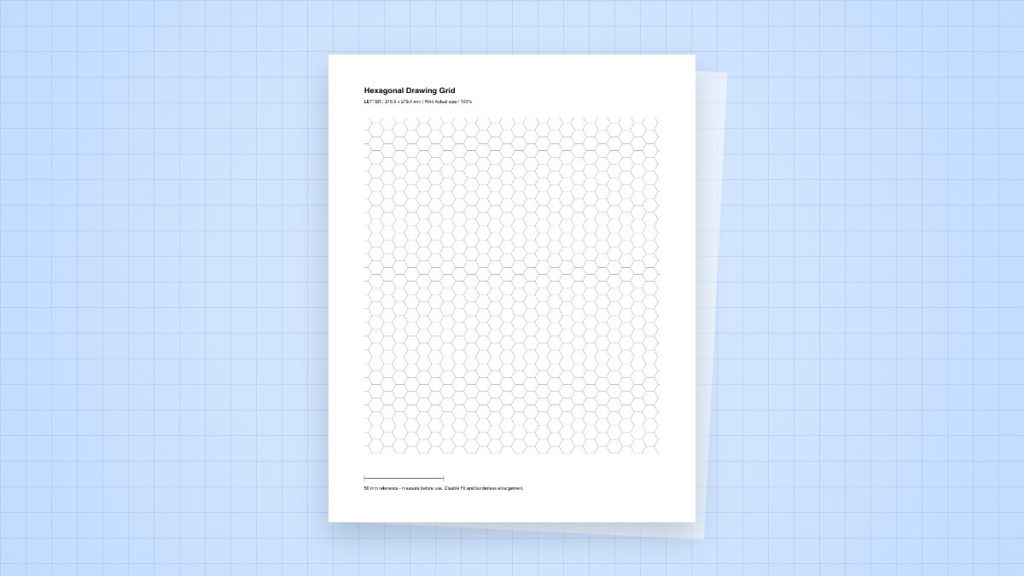
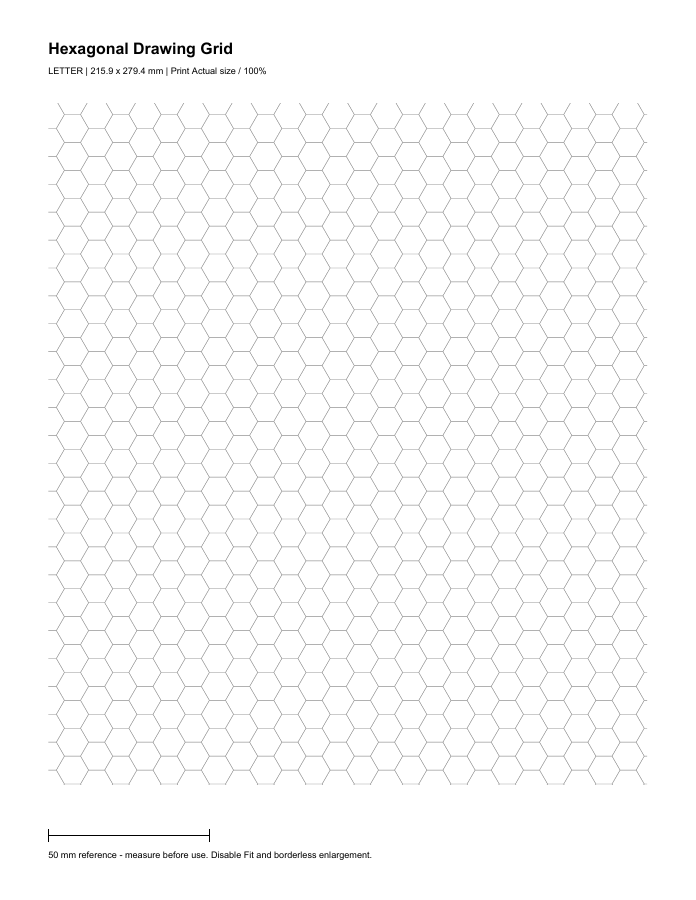
Download 5 mm-side hexagonal paper as a one-page PDF for A4 or US Letter. Choose the file matching the paper in your printer so the pattern can retain its intended dimensions.
File specification and downloads
Each regular hexagon has a 5 mm side. The distance across opposite corners is 10 mm; the distance between opposite flat sides is approximately 8.660 mm. These three measurements are not interchangeable.
Convert a hex width into a side length
If a project needs a regular hexagon 12 mm across opposite flat sides, its side must be 12 ÷ √3 = 6.928 mm approximately. A 12 mm corner-to-corner width instead needs a 6 mm side. Decide which width your game or diagram uses before generating another pattern.
Plan a map or grouping exercise
Use the hexagons for adjacency, routes or grouping. Keep labels inside the cells and use a separate key for symbols. Edge cells can be partial because the regular pattern is clipped at the drawing boundary; do not assume a printed edge fragment is a full usable cell.
Print and verify one copy
- Open the matching A4 or Letter PDF and check the paper size in the print dialog.
- Select Actual Size or 100%. Disable Fit, Shrink, borderless expansion and any second driver scaling control.
- Print one sheet before making a batch. Check a full hexagon away from the page edge: a side should be 5 mm and its opposite-corner width 10 mm. Use the 50 mm reference bar to check overall scaling before comparing small individual edges.
- If an edge is clipped, use a supported sheet or layout with enough inset. Fit may avoid clipping, but it also changes the stated pattern dimensions.
The files use 15 mm side insets and reserve space for the heading and bottom reference. They are free to download without a sign-up. The Letter and A4 patterns can contain different numbers of rows because the sheets have different proportions.
Digital file check — 2 November 2026: both PDFs were checked for a one-page document, the stated page dimensions and the pattern geometry, then rendered for visual inspection. These checks concern the files. We have not physically tested your printer or certified its output accuracy.
Sources and method
- Adobe Acrobat: adjust page size for printing: Actual Size, Fit and the difference between the page and the printable area.
- NIST: SI units of length: the exact conversion of one inch to 25.4 millimetres. Inch and point values below are calculated from the stated nominal dimensions.