
How to Print Two Pages on One Sheet Without Mixing Up the Layout
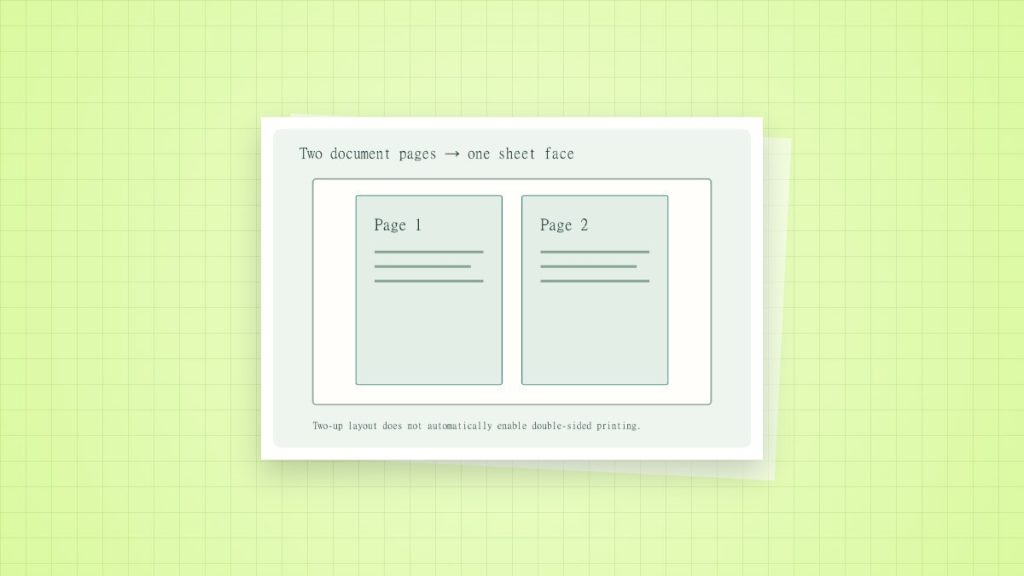
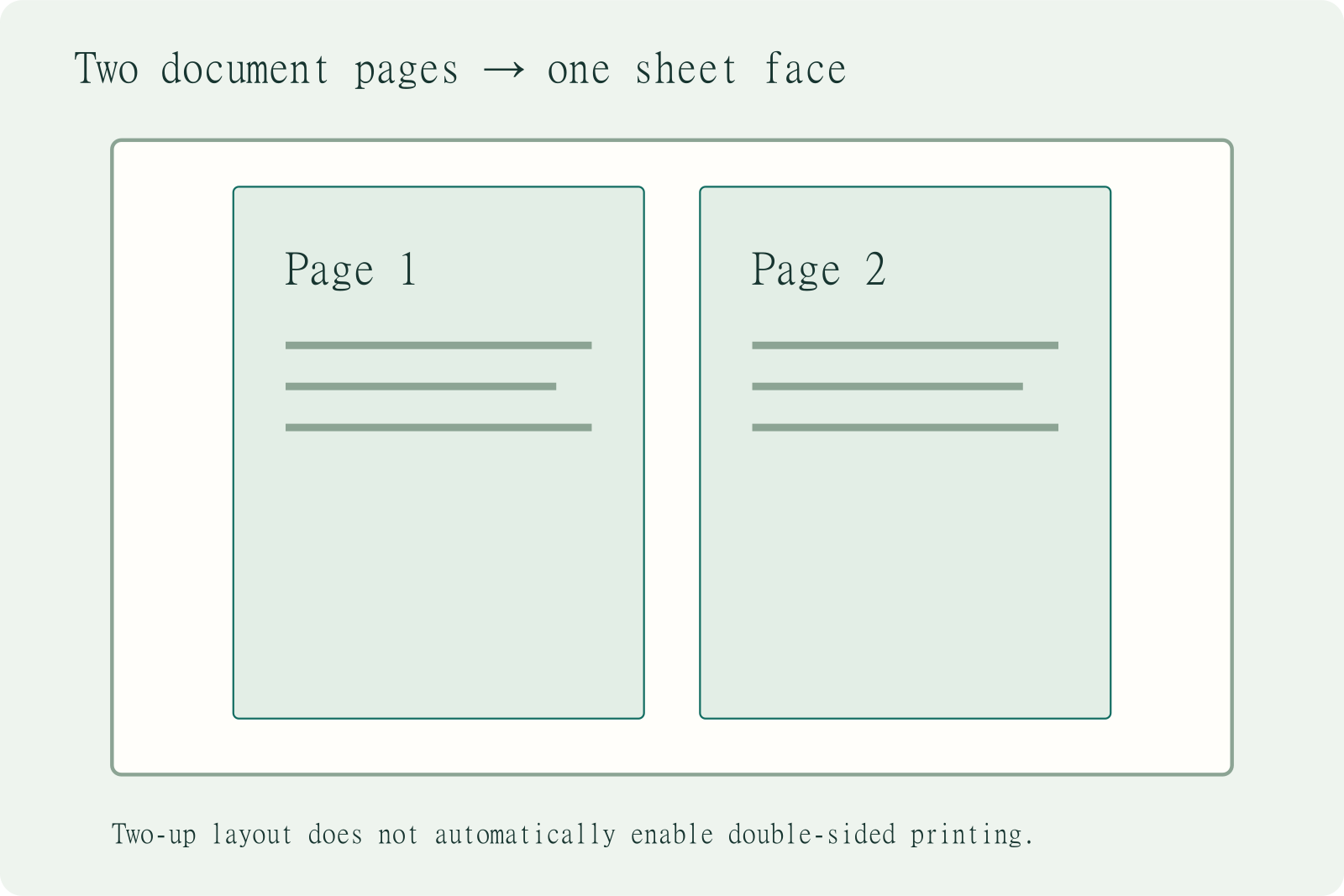
Two pages per sheet usually means two document pages on each printed side. It is useful for compact reading copies, but it reduces text and measured graphics. It does not automatically create a booklet.
Count pages, sides and sheets separately
| Eight-page document | Printed sides | Physical sheets |
|---|---|---|
| One page per side, single-sided | 8 | 8 |
| Two pages per side, single-sided | 4 | 4 |
| Two pages per side, duplex | 4 | 2 |
The last option assumes the printer supports duplex for the chosen media and there are no added blank sides. Each “two pages” panel remains a reduced document page.
Print a readable two-up sample
- Select Multiple or Pages per Sheet in the PDF viewer. Choose two pages per side and inspect the page order.
- For portrait source pages, try a landscape parent sheet. A preview should show both pages upright and in the intended order.
- Set any border, gap and orientation controls. Avoid applying another two-up layout in the driver.
- Print one side and inspect small type, fine lines and annotations. Enable duplex only after the layout is correct.
Why the reduction is not exactly 50%
Two pages occupy two panels, but the linear dimensions are reduced, not merely the area. Two A4 portrait pages laid side by side on an A4 landscape sheet have a nominal maximum scale of 297 ÷ 420 = 70.71% before gaps and margins. A 10 mm square becomes about 7.07 mm. Real printable areas may require a smaller scale.
Use a different workflow for folding
Ordinary two-up prints consecutive pages. A folded booklet needs outer and inner page pairs such as 8 | 1 and 2 | 7. Choose Booklet mode for that arrangement. Keep rulers, labels and templates at their intended physical size rather than squeezing them into a reading layout.
Sources and method
- Adobe: print multiple pages on a sheet: pages-per-sheet, order and layout controls.
- Adobe Acrobat: adjust page size for printing: Actual Size, Fit and the difference between the page and the printable area.